Open for Agents: Fload Now Speaks OAuth 2.1 + MCP

Team Fload
Founders
Apr 21, 2026
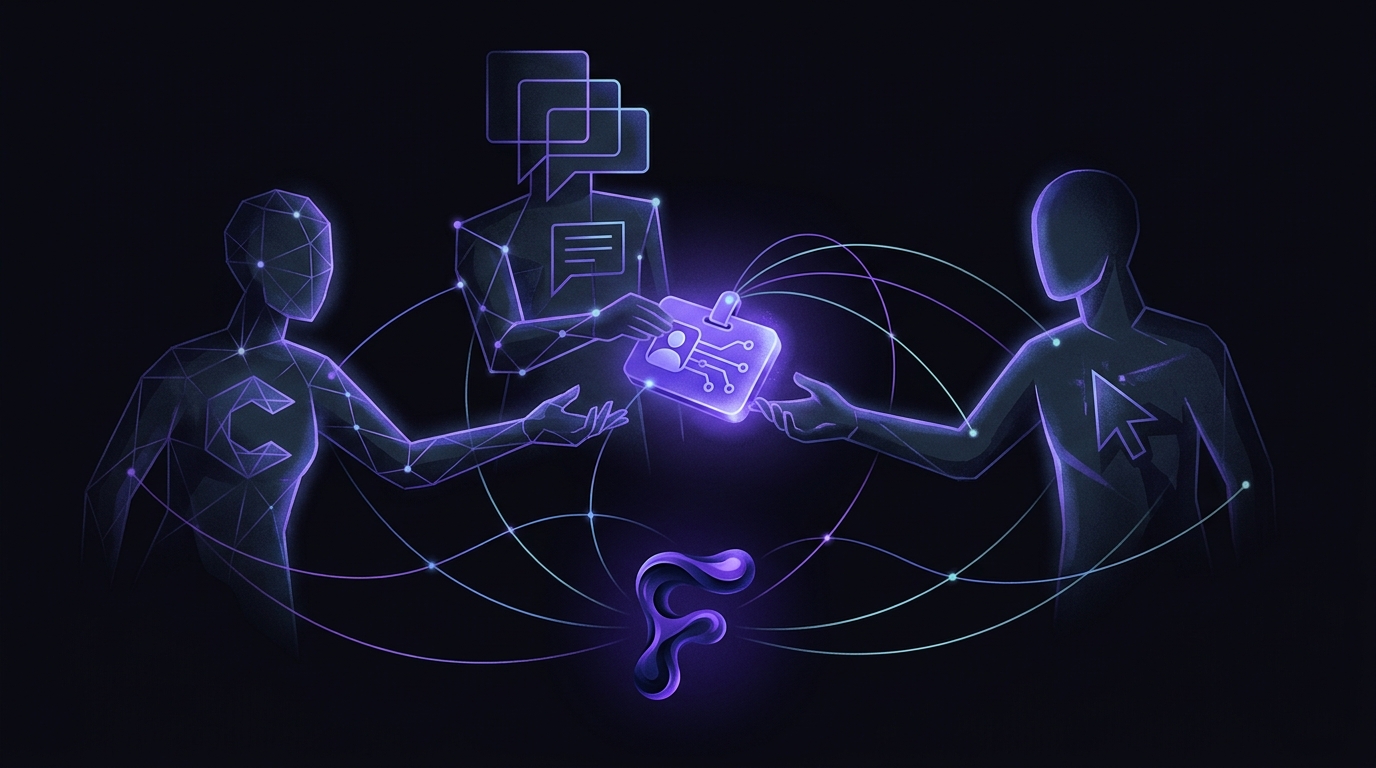
From today, Claude, ChatGPT, Cursor, and any MCP-compatible agent can log in to your Fload account the same way a human does. Click a button, pick an organization, approve the scopes, done.
No API keys to copy around. No static secrets in config files. No shared credentials sitting in someone's environment variable forever. Just sign in with your Fload account, and your AI gets the exact slice of your mobile app business you let it see.
This is the piece we've been quietly building toward since Fload 2.0, and it's the thing we're most excited about: Fload isn't just a dashboard anymore. It's an identity your AI can hold.
30 seconds, from zero to connected
Here's what it takes to connect Claude Desktop to every one of your apps, reviews, ads campaigns, ASO keywords, and agents:
{
  "mcpServers": {
    "fload": {
      "url": "https://api.fload.com/mcp",
      "type": "streamable-http"
    }
  }
}
Paste that into your Claude Desktop config, restart, and ask Claude something about your app. A browser tab opens, you sign in to Fload (or you're already signed in), you see a consent screen showing exactly which scopes the agent asked for, and which organization the agent is allowed to see. Approve. Done. Claude now has a scoped, revocable, short-lived token and can go to work.
Cursor and ChatGPT Team / Enterprise onboard the same way, with one difference: you don't even paste config. They discover Fload's OAuth endpoints automatically from the MCP URL. That's the MCP Authorization spec working exactly as intended.
What your agent can actually do
The Fload MCP server ships with 37 tools covering the whole surface:
- Apps: portfolio, metadata, data-source health.
- Reviews: fetch, filter, draft replies in your brand voice, send replies.
- Analytics: 30+ metrics (downloads, proceeds, subscriptions, retention, crashes, ad spend) with dimensional breakdowns.
- Ads: performance across Apple Search Ads, Google Ads, Meta Ads, TikTok Ads, plus the new experiment history.
- ASO: tracked keywords, recommendations, experiments, locale snapshots.
- Anomalies: detected metric changes with severity, confidence, suggested action.
- Agents: run history, status, pause/resume, trigger-now.
- Pending actions: approve or reject anything an agent queued for you.
Which means you can open Claude and say:
"Why did iOS installs drop yesterday across my top three apps?"
"Draft replies to every one-star review from the last 48 hours in my brand voice."
"Compare my Google Ads and Apple Search Ads ROAS this week and pause anything underperforming CPI $8."
And it just does it. Because Claude has the data, the context, and (when you've granted write scopes) the authority to act.
Security we actually shipped
"AI can connect to your tool" usually translates to "paste your admin API key into a chat window." That's terrible. So we built this the other way.
- OAuth 2.1 with PKCE (S256 required): the only supported auth flow. No static secrets shared with agents, no password prompts, nothing to leak.
- Short-lived JWTs: access tokens expire in one hour. Refresh tokens rotate.
- Per-organization scoping: if you belong to multiple Fload orgs, you pick which one the agent is allowed inside during consent. Tokens never span organizations.
- 16 granular scopes:
read:reviews,write:ads,read:aso, and so on. An agent can have read-only ASO and nothing else if that's all you want it to do. - Dynamic Client Registration (RFC 7591): agents register themselves as public clients. No long-lived client secrets to compromise.
- Per-user rate limiting: 120 requests/min per (user, client). Noisy agents can't starve the rest of your team or rack up a bill behind your back.
- Full audit trail: every pending action an agent queues, approves, or reverts is recorded. You can trace any live change back to the exact agent run that proposed it.
And when you want an agent gone: platform.fload.com/settings/connected-apps. One click. Refresh tokens die instantly; any outstanding access token expires within the hour.
Why this matters for mobile app operators
Most mobile app data is locked behind dashboards designed for humans. App Store Connect, Google Play Console, Apple Search Ads, Meta, TikTok, Amplitude, RevenueCat. Each one a login, each one its own UI, each one something you have to pull up manually when a question comes up.
Fload already pulled those into one place. But a dashboard only answers the question you knew to ask. An AI that also has access to that same unified view answers the question you didn't think of at 11pm on a Tuesday when your retention dipped.
Until now, giving an AI access to all of that meant either shipping it a bundle of API keys (nightmare), scraping dashboards (nightmare), or not doing it at all. The MCP connector changes the shape of the problem. Your AI logs in as you, inside the organization you picked, with the scopes you approved.
For agent authors and marketplace reviewers
Fload implements the MCP Authorization specification end-to-end. Discovery is live at:
https://api.fload.com/.well-known/oauth-authorization-server(RFC 8414).https://api.fload.com/.well-known/oauth-protected-resource(RFC 9728).- Mirrors at
https://fload.com/.well-known/oauth-*for apex-based discovery.
The first unauthenticated call to /mcp returns a 401 with a WWW-Authenticate header pointing at the resource metadata. From there it's a standard authorization code + PKCE flow. Include resource=https://api.fload.com/mcp in your token request to get a JWT-shaped access token.
Full endpoints, scope catalog, and copy-paste configs for Claude Desktop, Cursor, and ChatGPT live at fload.com/docs/mcp.
What ships with this release
Open-for-agents is the headline, but v2.7.0 lands a second big thing: full experiment tracking for the Ads Agent, matching what ASO has had since 2.3. Every budget change, every status flip, every keyword add gets tracked. We snapshot metrics when the change goes live, wait out the ad platform reporting lag, close a seven-day window, and auto-label each change improved, neutral, or regressed. One-click revert if the number went the wrong way, with a read-back against the platform to prove the revert actually landed.
That's live now on the Ads Agent page as the Experiment History card, and it's available through MCP too.
Try it
Existing users: open Claude Desktop, add the config above, and start a conversation with your app data. Five minutes.
New? Sign up at fload.com, connect your data sources, then connect your agent. Your dashboard and your AI now see the same thing.
Team Fload
Building the AI employee for mobile apps.