Connect Your Analytics: PostHog, Mixpanel, Amplitude

Team Fload
Founders
Mar 15, 2026
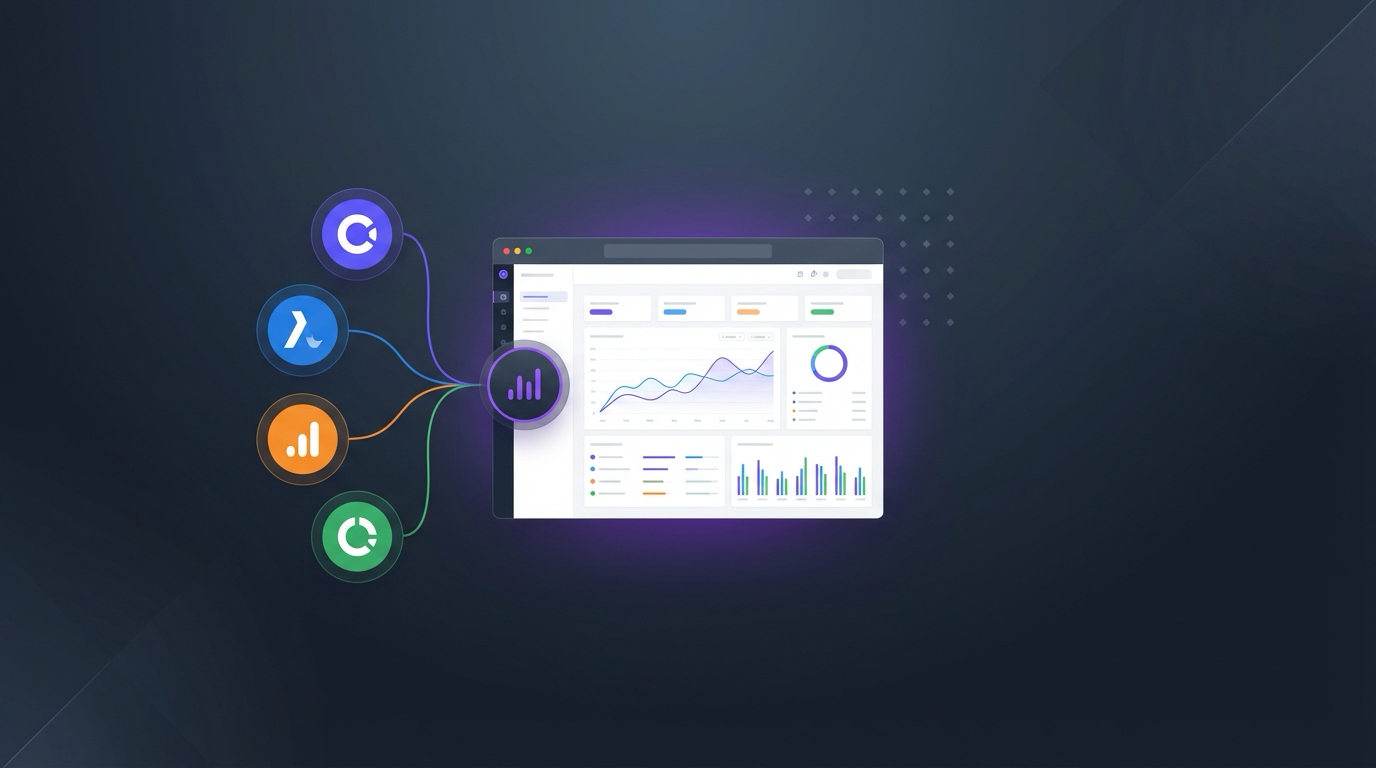
Here's a pattern we see constantly: a mobile app team has App Store Connect for downloads, RevenueCat for subscriptions, Apple Search Ads for campaigns, and then PostHog or Mixpanel for product analytics. Four dashboards. Four logins. And somehow nobody connects the dots between "users who hit this event" and "users who churned after the last release."
That's what Fload's analytics connectors fix. Starting today, you can connect PostHog, Mixpanel, and Amplitude to Fload, bringing your product analytics alongside your app store data, revenue metrics, and ad performance in one place. More importantly, Fload's agents can now use this data to make smarter decisions about your growth strategy.
Why Connect Analytics?
App store data tells you what happened. Downloads went up, ratings went down, revenue changed. But it doesn't tell you why. That's where product analytics comes in. When Fload can see both your app store metrics and your in-app behavior data, it stops guessing and starts connecting cause to effect.
A few examples of what this unlocks:
- Reviews mention "crashes on login" → Fload cross-references with your error events to confirm the issue is real and quantify how many users are affected
- Downloads spike from a new campaign → Fload checks retention events to see if those users actually stick around or if you're burning money on low-quality installs
- A/B test results from your analytics tool → Fload factors this into ASO recommendations, suggesting copy that resonates with your highest-retaining cohorts
- Funnel drop-offs → Fload's Growth Audit surfaces these alongside your conversion rates from the app stores, giving you the full picture from impression to monetization
What Each Connector Provides
PostHog
PostHog is our deepest integration. Connect with an API key, and Fload pulls in:
- Events and properties: your custom events, pageviews, and autocaptured actions. Fload uses these for trend analysis and correlation with store metrics.
- Funnels: defined funnels from PostHog are imported so Fload can monitor conversion rates and flag regressions.
- Retention cohorts: Fload tracks your retention curves and alerts you when a release impacts day-1, day-7, or day-30 retention.
- Feature flags: if you're running experiments, Fload knows which flags are active and can correlate flag changes with metric shifts.
AI Event Discovery
PostHog users get an exclusive feature: AI Event Discovery. Fload scans your PostHog event schema and automatically identifies the events most likely to correlate with growth, retention, and revenue. Instead of you telling Fload which events matter, it figures it out, then uses those signals across every agent. Think of it as Fload reading your analytics playbook and learning your product's language.
Mixpanel
Connect Mixpanel with an API key and project ID. Fload imports:
- Events: tracked events and their properties, giving Fload visibility into user behavior patterns.
- Funnels: saved funnels with step-by-step conversion data. Fload monitors these for regressions tied to app store changes.
- User profiles: aggregated profile properties that help Fload understand your user segments and tailor growth recommendations.
- Retention reports: Mixpanel's retention analysis flows into Fload's daily briefings and growth audits.
Amplitude
Amplitude connects via API key and secret key. Fload pulls:
- User behavior data: events, sessions, and behavioral cohorts that give Fload a granular view of how users interact with your app.
- Funnels and pathflows: Amplitude's funnel and pathfinder analyses are imported for conversion monitoring.
- Retention analysis: cohort-based retention data that Fload correlates with release timing and ASO changes.
Engagement Dashboards
Once connected, Fload automatically generates an Engagement Dashboard for each of your apps. This isn't a copy of your PostHog or Mixpanel dashboard. It's a unified view that combines analytics data with app store and revenue metrics.
The engagement dashboard shows:
- Active users: DAU, WAU, MAU trends overlaid with download and install data from the app stores
- Key event trends: your most important events tracked over time, automatically identified by Fload or manually configured by you
- Funnel health: a quick status view of your critical funnels, flagged when conversion drops below thresholds
- Retention curves: day-1 through day-30 retention by version, so you can see exactly how each release impacts stickiness
All of this feeds into Fload's agents. When the Growth Audit agent runs its weekly analysis, it uses engagement data alongside store performance. When the ASO agent suggests keyword changes, it considers which user segments are actually retaining. The data stops being siloed and starts working together.
Setting It Up
Setup takes about two minutes per connector. Go to Settings → Connectors in your Fload dashboard, select your analytics platform, and paste your API key. Fload handles the initial sync (which usually takes 15 to 30 minutes depending on your data volume) and then keeps everything up to date automatically.
If you're already using Fload, your existing connectors (App Store Connect, Google Play, ad platforms) are already in place. Adding analytics is purely additive. It makes every existing agent smarter without changing any of your current workflows.
What's Coming Next
Analytics connectors are just the beginning of Fload understanding your users, not just your store metrics. We're already working on deeper integrations: automatic anomaly detection across analytics and store data, custom alert rules that span multiple data sources, and the ability for agents to trigger actions based on analytics signals (like pausing an ad campaign when retention drops for a specific cohort).
For now, connect your analytics tool and let Fload do its thing. Your agents just got a lot smarter.
Ready to connect your analytics?
Bring PostHog, Mixpanel, or Amplitude into Fload and give your agents the full picture.