AI-Powered Screenshot Localization for App Stores

Team Fload
Founders
Mar 17, 2026
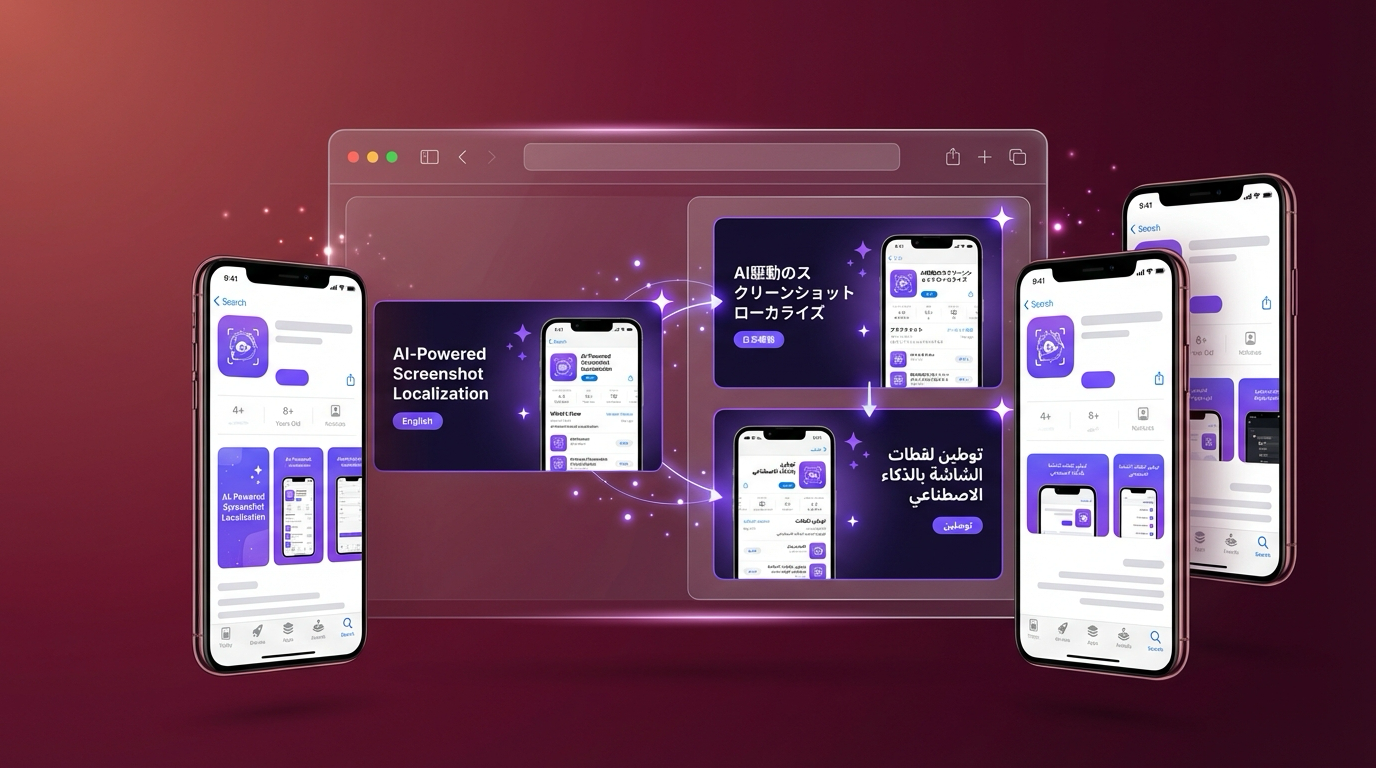
Your app is available in 175 storefronts. How many of them have localized screenshots? If you're like most mobile teams, the answer is somewhere between "a handful" and "just English." And that's costing you downloads every single day.
Screenshots are the first thing users see on your product page. They're more influential than your description, your ratings, or your icon. Yet localizing them has always been one of the most painful parts of ASO: expensive, slow, and tedious enough that most teams just don't do it. Fload's ASO Agent changes that.
The Problem with Screenshot Localization
Traditional screenshot localization is a multi-step nightmare. You need to take base screenshots, overlay text captions in the right language, adjust layouts for languages that run longer or shorter than English, verify cultural appropriateness, generate device-specific sizes, and then upload everything to both App Store Connect and Google Play, per locale. Multiply that by 40+ storefronts and you're looking at weeks of design work and thousands of dollars per update cycle.
The result? Most apps have the same English screenshots everywhere. Users in Japan see English text. Users in Brazil see English text. Users in Germany see English text. And conversion rates suffer. Studies consistently show that localized product pages convert 30-80% better than English-only listings in non-English markets.
How Fload's ASO Agent Handles It
Fload's ASO Agent v2, powered by Gemini AI, treats screenshot localization as part of a holistic ASO strategy, not an isolated design task. Here's what it does:
Per-locale keyword research. Before touching any visuals, the ASO Agent runs keyword research for each target storefront. It identifies the terms real users search for in that language and market, not just translations of your English keywords. "Fitness tracker" might be the right keyword in the US, but in Japan the dominant search term might be a completely different phrase. The Agent knows this because it analyzes actual search volume and competitor rankings per locale.
Visual intelligence. The Agent evaluates your current screenshots: how many you have, whether they follow platform best practices, if preview videos are present, and how your icon reads at small sizes. It compares your visual assets against top competitors in your category to identify gaps and opportunities.
Metadata localization. Beyond screenshots, the ASO Agent localizes your title, subtitle, description, keywords, and promotional text for each storefront. On iOS, promotional text can be updated without a new app version, and the Agent takes advantage of this for rapid iteration. On Android, descriptions can be updated directly. For titles and subtitles on iOS, changes are queued for your next submission.
Competitor gap analysis. The Agent doesn't just optimize in isolation. It shows you exactly where competitors outrank you and why: which keywords they own that you don't, which visual patterns perform well in your category, and where your localization coverage has holes.
The Visual Snapshot Timeline
One of the most useful features is the visual snapshot timeline. Every time the ASO Agent runs, it captures a snapshot of your listing (metadata, screenshots, ratings, keyword rankings) across all locales. Over time, this builds a visual history of how your store presence has evolved.
This matters because ASO is not a one-time activity. Keywords shift. Competitors update their listings. Seasonal trends change what users search for. The timeline lets you correlate changes to outcomes: did updating your Japanese screenshots improve conversion? Did the new German keywords lift your ranking? Without this history, you're flying blind.
Write Actions: Push Changes Directly
With Fload 2.0's write actions, the ASO Agent doesn't just generate recommendations. It can push approved changes directly to App Store Connect and Google Play. You review the optimized metadata in your Fload dashboard, approve it, and the Agent handles the upload. No switching between tools, no manual copy-pasting across 40 storefronts.
Each ASO Agent run costs 5 credits. Pushing approved changes to the stores is free. It's a non-AI action that simply executes what you've already approved. This means you can iterate rapidly without worrying about costs spiraling from the execution step.
What This Means for Your Numbers
The math is simple. If you're getting 10,000 product page views per month from a non-English storefront with a 20% conversion rate, and localization lifts that to 30%, you just gained 1,000 additional downloads per month from a single market, with zero additional ad spend. Scale that across 10 or 20 storefronts and the impact compounds fast.
And because the Orchestrator coordinates the ASO Agent with your other agents, these gains feed into the broader picture. Better screenshots lead to higher conversion. Higher conversion improves your ad efficiency. Better keyword rankings reduce your dependence on paid acquisition. It's a flywheel, and localization is one of the highest-leverage inputs.
Getting Started
If you're already on Fload, the ASO Agent is available in your dashboard. Connect your App Store Connect and Google Play accounts, select the storefronts you want to optimize, and run your first analysis. The Agent will evaluate your current state, identify the highest-impact opportunities, and generate localized recommendations you can review and push, all in a single workflow.
If you're not on Fload yet, this is a good reason to start. Most teams recoup their Fload investment from ASO improvements alone within the first month. The rest of the platform (reviews, ads, analytics, the Orchestrator) is a bonus.
Stop leaving downloads on the table
Localize your App Store presence across 40+ storefronts with Fload's ASO Agent.